


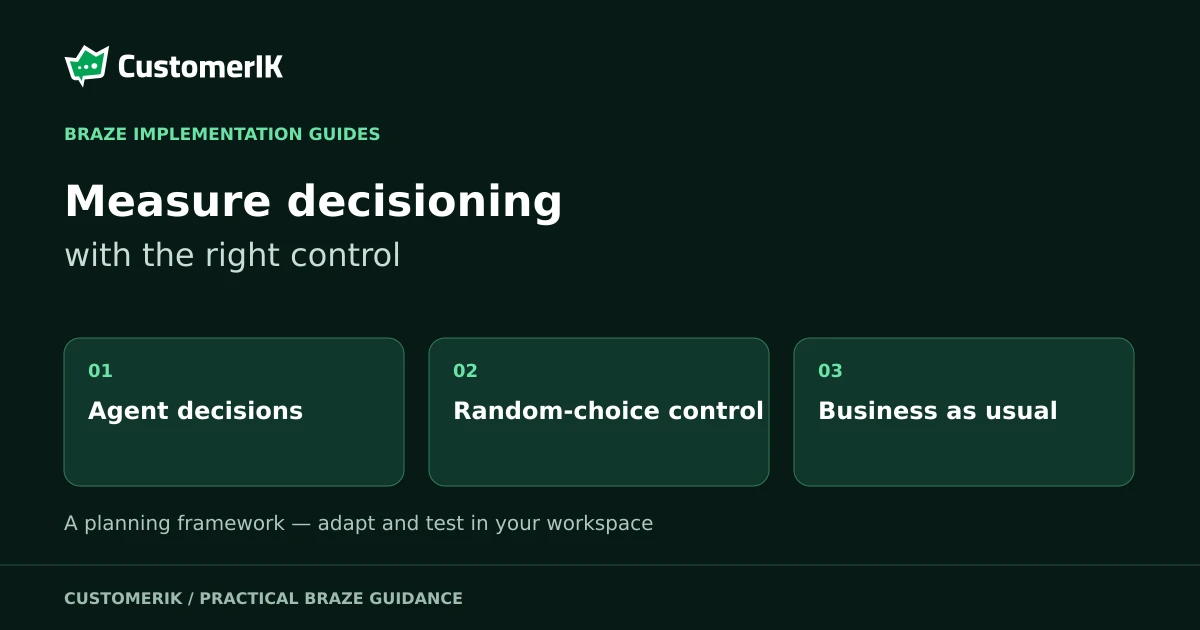
Measure BrazeAI Decisioning Studio with two holdout comparisons, because each answers a different question. The built-in random control shows whether the agent's decisions beat random choices among the same options. A business-as-usual split, which you set up yourself, shows whether the agent beats the programme you already run. Make the second test fair, wait until the agent is fully trained, and read pooled and daily views separately.
Key Takeaways
- Decisioning Studio Go gives you one comparison by default, the agent against a random control. You set up the second, against your current programme, yourself.
- The random control shows whether the agent's decisions beat random choices among the same options.
- A fair business-as-usual test needs matched send frequency, shared creative, the same click counting and a steady baseline.
- The agent group must contain at least 20,000 users after the split and after its own random control is allocated.
- Wait until the agent shows as Fully trained before you compare it with business as usual.
- In the Pro performance report, the metric card pools the date range while the chart shows each day.
Which Decisioning Studio holdout group answers which question?
Braze says Decisioning Studio Go gives you one comparison by default: the agent against a random control. You can set up a second yourself, the agent against your current programme. The two answer different questions, so a result from one shouldn't be reported as if it came from the other.
| Comparison | Who sets it up | What it isolates | Who we suggest reads it |
|---|---|---|---|
| Agent against random control | Go provides it by default | Whether the agent's decisions beat random choices among the same options | The team tuning the agent |
| Agent against business as usual | You, with an Experiment Paths step or random bucket numbers | Whether the agent beats your current programme | Whoever decides whether to keep investing |
The random control receives randomly chosen combinations of the same options you configured, within the same schedule and constraints. Braze calls this your cleanest, always-available measure of lift. In our view that's because both groups draw on the same options.
We recommend treating the random control as a tuning tool. Beating random selection shows the agent chooses well among your options. It says nothing about whether those choices beat the ones your team already makes.
How should you size and read the random control?
The minimum control size is 5%, and smaller audiences need a proportionally larger control to stay statistically meaningful. Braze's recommended splits are below.
| Audience size | Recommended split, agent to random control |
|---|---|
| From 20,000 to 100,000 | 80 to 20 |
| From 100,000 to 1,000,000 | 90 to 10 |
| From 1,000,000 to 40,000,000 | 95 to 5 |
The table starts at 20,000 and doesn't give a split for smaller audiences. If yours is smaller, we suggest agreeing the control size with your Braze team before launch.
The headline Go metric is Unique Customers Who Clicked Daily, the number of distinct users who click, not raw click volume. Lift is the difference between the Decisioning Studio group and the random control on this measure. Before a click counts, it passes validation filters that screen out automated activity and opt-out-related clicks.
That makes Decisioning Studio click totals lower than your raw email reports. We recommend comparing the agent's numbers with each other, not with the email dashboard.
Reporting needs a little patience. Braze advises you to give reporting a few days to populate after launch, and to set the end date to two days ago because the data lags by about a day.
How do you set up a fair business-as-usual comparison?
Decisioning Studio Go does not orchestrate or report on the business-as-usual group, so the fairness of this test is yours to design. Braze recommends an Experiment Paths step in a Canvas to route users down a business-as-usual path or into the agent's segment. Random bucket numbers outside a Canvas are the alternative.
Check audience size first. The agent group must contain at least 20,000 users after the split and after its own random control is allocated. Braze notes that with about 40,000 users or fewer, a 50/50 split leaves each half under that minimum.
Then remove every difference except who makes the decisions. Braze lists four conditions, and each one closes a different gap.
- Match the agent's send frequency to your business-as-usual frequency, or set it to the average.
- Make every subject line, call to action and image available to both the business-as-usual group and the agent.
- Align how you count a click across both groups.
- Hold the business-as-usual programme steady over the measurement window.
We recommend writing the four conditions into the test plan with a named owner for each. Skip the first and you measure send volume rather than decisioning. Skip the second and you measure a creative difference, which says more about your content than your agent.
Plan the tagging too. The page lists ds_go_agent_regime as the group the user is in, AI-driven or random control, and doesn't describe a tag for the business-as-usual group. We suggest recording your own group flag in the Canvas so you can rebuild the split in your warehouse.
When is the result ready to read?
Braze states that a still-training agent usually trails a mature, already-optimised programme early on. Wait until the agent is Fully trained before you compare it with business as usual.
The After launch page describes that status as an agent that is fully trained, with results that are robust. The statuses run from Launched, not yet sending through Waiting for signal, In training and Partially trained to Fully trained.
The same page says personalisation becomes meaningful only after roughly the first week and a half of training, and that you can typically assess results after a few weeks. Treat those timings as guidance, not guarantees.
We recommend agreeing the waiting rule before launch, in writing, with whoever will read the results. An early chart showing the agent behind is the moment a test is most likely to be stopped for the wrong reason.
How should you read the Decisioning Studio performance report?
The Performance report page covers Decisioning Studio Pro, where the report compares your agent with its control groups. Braze states that nothing in the dashboard creates new data. It visualises stored daily results.
The metric card and the chart answer different questions. The card pools the whole date range, while the chart shows each day. In Braze's example, 10 conversions from 100 customers on day one is 10%, and 2 from 10 on day two is 20%, while the card shows 12 from 110 customers, or 10.9%.
Braze calculates uplift as (Primary Group - Comparison Group) / Comparison Group, based on the KPI chart values. If uplift changes, the underlying KPI changed, so investigate the KPI before the uplift line.
Recent days can be missing. Braze says a date is likely disabled due to configured data delays, and that reporting does not include days where recommendations haven't been activated yet.
The page also states that each person is counted once per day. For that reason we suggest not adding daily unique counts together to build a period total, because the same person can appear on several days. Use the card for the period and the chart for the shape.
Which other reports help explain a result?
Read diagnostics before you trust a surprising uplift. The outbound diagnostics report shows the daily volume of recommendations generated and activated across your audiences, and the inbound report monitors the health of your data feeds into BrazeAI.
The timeline report records events such as agent runs, configuration changes and guardrail updates, and Braze says annotations on uplift charts give instant context for shifts in results. We recommend checking the timeline first when the uplift line moves, because a change your own team made is often the quickest explanation to rule in or out.
The diagnostics and timeline pages don't state which Decisioning Studio plan includes them. Check what your workspace shows before you promise either report to a stakeholder.
For Go, each send writes identifiers to message_extras on the users.messages.email.Send event, and these are written automatically in every workspace. The fields are ds_go_agent_id for the agent that sent the message, ds_go_agent_regime for the group the user is in, and ds_go_rec_id for the ID of the specific decision. Braze asks you to confirm your Currents or data export includes message_extras on the send event.
With those fields in your warehouse, we expect you can compare any metric you choose across the agent and the random control, not only clicks.
What does a worked example look like?
This is a hypothetical example with illustrative figures, not a client result. Suppose 1,200 of 20,000 people in the agent group click, against 1,000 of 20,000 in the business-as-usual group. That is 6% against 5%, a gap of one percentage point and a 20% relative lift.
Now suppose the random control's click rate is 5.5%. Against that, the same 6% is a gap of half a percentage point, and it answers a different question: whether learned choices improve on random ones among the same options. Report the two results side by side and keep them apart.
The arithmetic doesn't establish statistical significance. We recommend sizing the real test against Braze's minimums after both splits, and agreeing the training and observation rules before launch.
Which measurement mistakes should you avoid?
We keep a short list of mistakes to name in a results review. Each one changes what the test measures.
| Mistake | What the test measures instead | Check before launch |
|---|---|---|
| Frequency gap | Send volume | Confirm the agent's send frequency matches your business-as-usual frequency or its average |
| Creative gap | A difference in content | Confirm every subject line, call to action and image is available to both groups |
| Moving baseline | A target that shifts under the agent | Hold the current programme steady for the whole measurement window |
| Early verdict | An agent that is still training | Wait for the Fully trained status, as agreed in writing |
| Pooled and daily mix-up | The metric card set against a single day | Read the card for the period and the chart for each day |
How does this connect to the rest of the programme?
Holdout tests depend on clean randomisation, the same discipline behind A/B testing your email campaigns. Clicks are the core Go signal, so it helps to read email campaign reporting alongside your agent results.
An agent needs well-structured inputs, which start with tracking user events in Braze and data readiness for Decisioning Studio. The guardrails you set are covered in Decisioning Studio guardrails, and the personalisation an agent automates is set out in hyper-personalisation in Braze.
If the result has to reach the people who decide on investment, CustomerIK's marketing analytics service covers attribution modelling and executive dashboards.
As a Braze implementation partner, we recommend naming the decision each comparison will inform before launch, and who owns that decision.
Frequently Asked Questions
1. What does the Decisioning Studio random control measure?
It measures the agent against randomly chosen combinations of the same options you configured, within the same schedule and constraints. Braze calls it your cleanest, always-available measure of lift.
2. How large should the random control be?
The minimum control size is 5%, and smaller audiences need a proportionally larger control. Braze's recommended split for audiences from 20,000 to 100,000 is 80 to 20.
3. Does Decisioning Studio Go report on my business-as-usual group?
It doesn't. You set up that comparison yourself, and Braze recommends an Experiment Paths step in a Canvas for the split.
4. Why are Decisioning Studio click totals lower than my email reports?
Clicks pass validation filters that screen out automated activity and opt-out-related clicks, so the totals sit below raw email reports.
5. When should I compare the agent with business as usual?
After the agent is Fully trained. Braze says a still-training agent usually trails a mature, already-optimised programme early on.
Sources
- Braze, Measuring Decisioning Studio Go. Retrieved 22 Oct 2026.
- Braze, After launch. Retrieved 22 Oct 2026.
- Braze, Performance report. Retrieved 22 Oct 2026.
- Braze, Diagnostics report. Retrieved 22 Oct 2026.
- Braze, Timeline report. Retrieved 22 Oct 2026.
- The Diagnostics report and Timeline report pages do not state which Decisioning Studio plan includes them, and the Performance report page covers Decisioning Studio Pro. Braze features and plan details can change, so check the current Braze documentation.
- Written by CustomerIK, a Braze implementation partner.
CustomerIK is a Braze implementation partner working across onboarding, technical integration, marketing operations and customer data management.
If you're planning a Decisioning Studio test and want the comparison designed before launch, let's talk.








