
.svg)

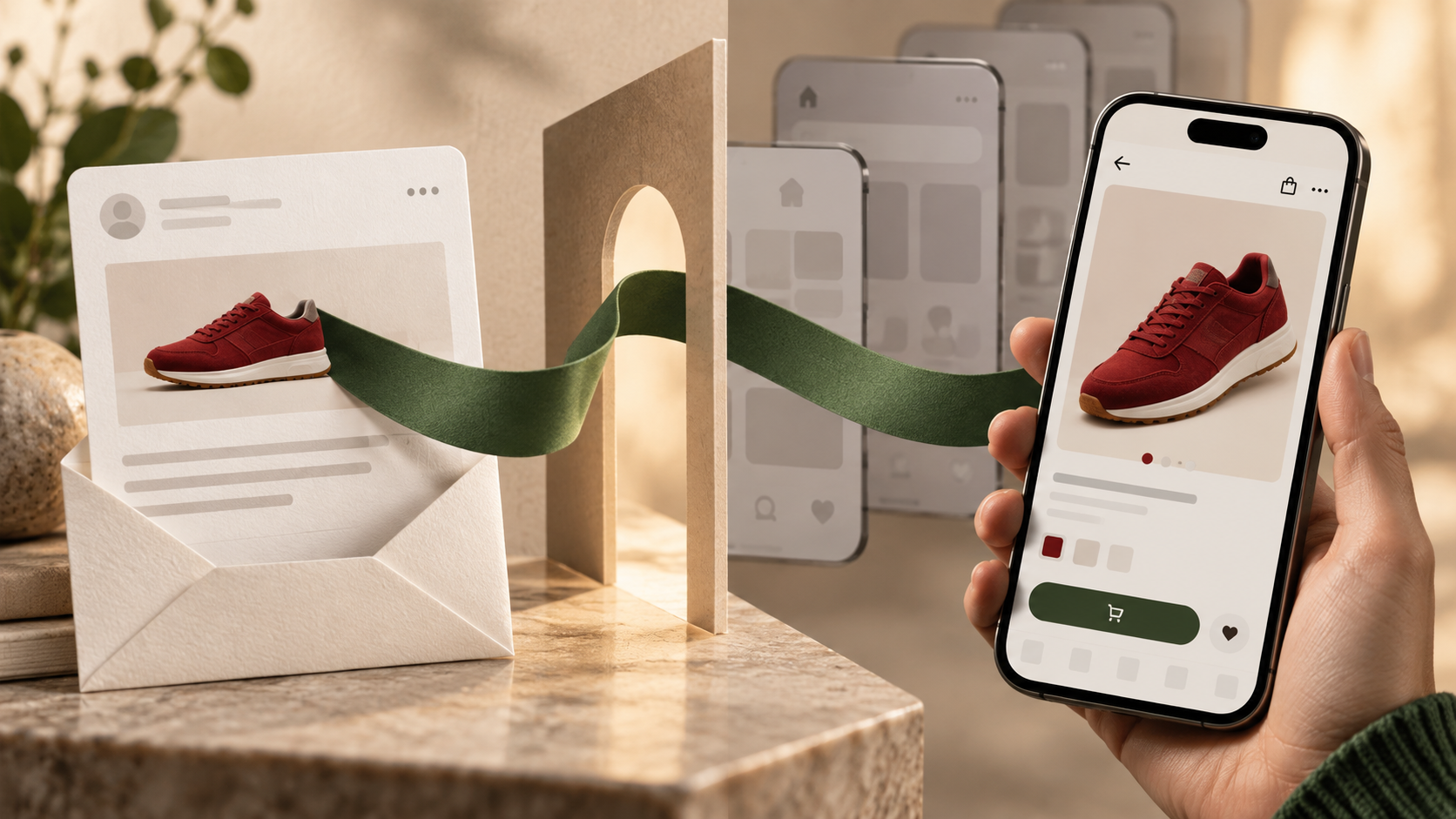
Deep links send someone from a Braze message straight to a screen inside your app. Which link type you need is decided by the channel you are sending on, not by the destination. Custom schemes suit push, in-app messages and Content Cards. Universal links suit email and SMS, where click tracking rewrites the address before anyone taps it.
Key Takeaways
- The channel decides the link type, not the destination. Custom schemes suit push, in-app messages and Content Cards. Universal links suit email and SMS.
- Email service providers rewrite links through a click-tracking domain, and a custom scheme cannot survive that rewrite.
- The Apple App Site Association file has to be hosted on the click-tracking domain as well as your primary domain.
- The Braze SDK does not read your association file. It separates universal links from ordinary web URLs by domain name alone.
- Test outside the app first. If the link fails there, the fault is in your app and no campaign change will move it.
- Universal links need a physical device, because a simulator does not expose the required entitlements directly.
Which link type should you use?
Braze documents three ways to handle a link from a message. The choice is not a matter of taste. Each one carries different setup work and fails in a different way.
| Link type | Example | Suits | Opens without the app installed |
|---|---|---|---|
| Custom scheme | myapp://products/123 | Push, in-app messages, Content Cards | No, the link fails |
| Universal link | https://myapp.com/products/123 | Email, SMS, channels with click tracking | Yes, falls back to web |
| Open Web URL Inside App | Any https:// URL | Web content in a modal WebView | Not applicable, displays in a WebView |
The rule we apply on delivery work is that the channel picks the link type, and it picks it before anyone writes app code. Push, in-app messages and Content Cards deliver the address you typed. Email and SMS do not, because the sending infrastructure rewrites it on the way out.
That sequencing is our own position from implementation work, not a Braze recommendation. Teams that choose the destination first and the link type afterwards tend to discover the mismatch in staging, when the app code is already written against the wrong delegate method.
Why do email deep links need extra setup?
Braze is explicit that an email service provider wraps links in a click-tracking domain. The three it names are:
- SendGrid
- SparkPost
- Amazon SES
A custom scheme cannot survive that rewrite. Email needs a universal link for this reason alone.
The part that catches people out sits one level deeper. The Apple App Site Association file has to be hosted on the click-tracking domain too, not only on your primary domain. Host it in one place and every email link lands in the browser.
The opposite failure is documented as well. If the association file on the click-tracking domain uses a path pattern that matches everything on that domain, every link in the email opens the app, including the unsubscribe footer. Braze's fix is to limit the paths. For SendGrid the guidance is to match /uni/ and mark only those links as universal.
What does each link type actually require?
Custom schemes are the cheaper build. You register the scheme under CFBundleURLTypes in Info.plist, add it to the query allowlist, and implement application(_:open:options:). No association file. No Braze SDK configuration, because the SDK opens custom scheme URLs by default.
Universal links cost more in three places at once:
- Host the association file at
https://yourdomain.com/.well-known/apple-app-site-association. - Add
applinks:yourdomain.comunder Signing and Capabilities in Xcode. - Implement
application(_:continue:restorationHandler:)and setconfiguration.forwardUniversalLinkstotrue.
One behaviour worth knowing before you design around path exclusions. The Braze SDK does not read your association file. It separates universal links from ordinary web URLs by looking at the domain name alone, so an exclusion rule written into that file has no effect on how the SDK routes the link.
How do you isolate a broken deep link?
Debugging a deep link inside a campaign tells you almost nothing, because a campaign stacks four independent things on top of each other. We work outward from the device instead, and we stop at the first rung that fails.
Rung one, outside the app
For a custom scheme, run xcrun simctl openurl booted "myapp://products/123". For a universal link, paste it into the Notes app on a physical device and tap it. Braze advises against testing from the Safari address bar, because iOS treats a typed URL differently from a tapped one. If the link fails here, the fault is in your app, and no campaign change will move it.
Rung two, one channel
Send the link through a single Braze channel with verbose logging turned on. The SDK prints an Opening entry carrying the channel, the useWebView flag and the isUniversalLink flag.
Rung three, compare channels
If the link works from push but not from an in-app message, put the two log entries side by side. A difference in isUniversalLink means the SDK classified the same address two different ways.
The three-rung ordering is ours. Braze publishes the individual steps in its investigation path and we have arranged them as an escalation, so a failing rung tells you which team owns the fix.
What breaks that looks like a Braze problem?
Several documented behaviours produce symptoms that read as campaign faults and are not.
| Symptom | Documented cause |
|---|---|
| Universal link opens the browser after working yesterday | Long-pressing a link and selecting Open can break the domain association. Reset by long-pressing and choosing Open in the app |
| Universal links never fire in the simulator | Forwarding needs the application entitlements, which a simulator does not expose directly |
| Web URL opens to a blank view | The target page sets a framing or content security header that blocks rendering inside a WebView |
| Android push opens the app but not the screen | com_braze_handle_push_deep_links_automatically is not set to true in braze.xml |
Two more are worth carrying into a build checklist. Apps built with Xcode 27 and later adopt the UIScene life cycle, which means custom scheme URLs arrive at your SceneDelegate rather than your AppDelegate. And on Android, one delegate implementing IBrazeDeeplinkHandler handles links across Content Cards, in-app messages and push together.
Where do deep links change campaign design?
A deep link shortens the distance between a message and the action it asks for. That matters where the action is specific, which is where journey design and message design meet.
Onboarding is the clearest case. An activation step that names a feature should land on that feature, and a Canvas-driven onboarding journey gives you the branch structure to send different users to different screens. The activation campaigns we have written about before each imply a destination, and each one is a separate path in the association file.
The same holds for personalisation. If you are already building personalised message content, the destination deserves the same treatment, and dynamic content techniques apply to a link path as readily as to a message body. Win-back work has the sharpest version of this problem, since a retention campaign often points at a cart or a saved item that only exists for one person.
Frequently Asked Questions
1. Do custom scheme deep links work in email?
No. Braze documents that email service providers wrap links in a click-tracking domain, and that rewrite breaks a custom scheme. Use a universal link for email and host the Apple App Site Association file on the click-tracking domain as well as your primary domain.
2. Do I need an Apple App Site Association file for push deep links?
Not for custom scheme links. Braze lists the association file as not required for custom schemes, which only need a registered scheme in Info.plist and a handler. You need one if you send universal links from push with forwardUniversalLinks enabled.
3. How large can the Apple App Site Association file be?
Braze's validation checklist gives a ceiling of 128 KB, alongside a valid certificate, a Content-Type of application/json, and an appID matching your Team ID and Bundle ID.
4. Why does a deep link work from push but not from an in-app message?
Turn on verbose logging and compare the Opening entry for each channel. Braze points to differences in the useWebView and isUniversalLink values as the signal that the SDK is interpreting the same link differently.
5. Can I test universal links in the iOS simulator?
Braze advises a physical device, because universal link forwarding needs application entitlements that a simulator does not expose directly. Adding the .entitlements file to the Copy Bundle Resources build phase adds simulator support.
Sources
- Braze, iOS deep linking guide. Retrieved 16 Sep 2026.
- Braze, Troubleshoot deep linking. Retrieved 16 Sep 2026.
- Braze, In-app message deep-linking for the Braze SDK. Retrieved 16 Sep 2026.
CustomerIK is a Braze implementation partner working across onboarding, technical integration, marketing operations and customer data management.
If your deep links work in testing and break inside a campaign, let's talk.
.svg)







