
.svg)

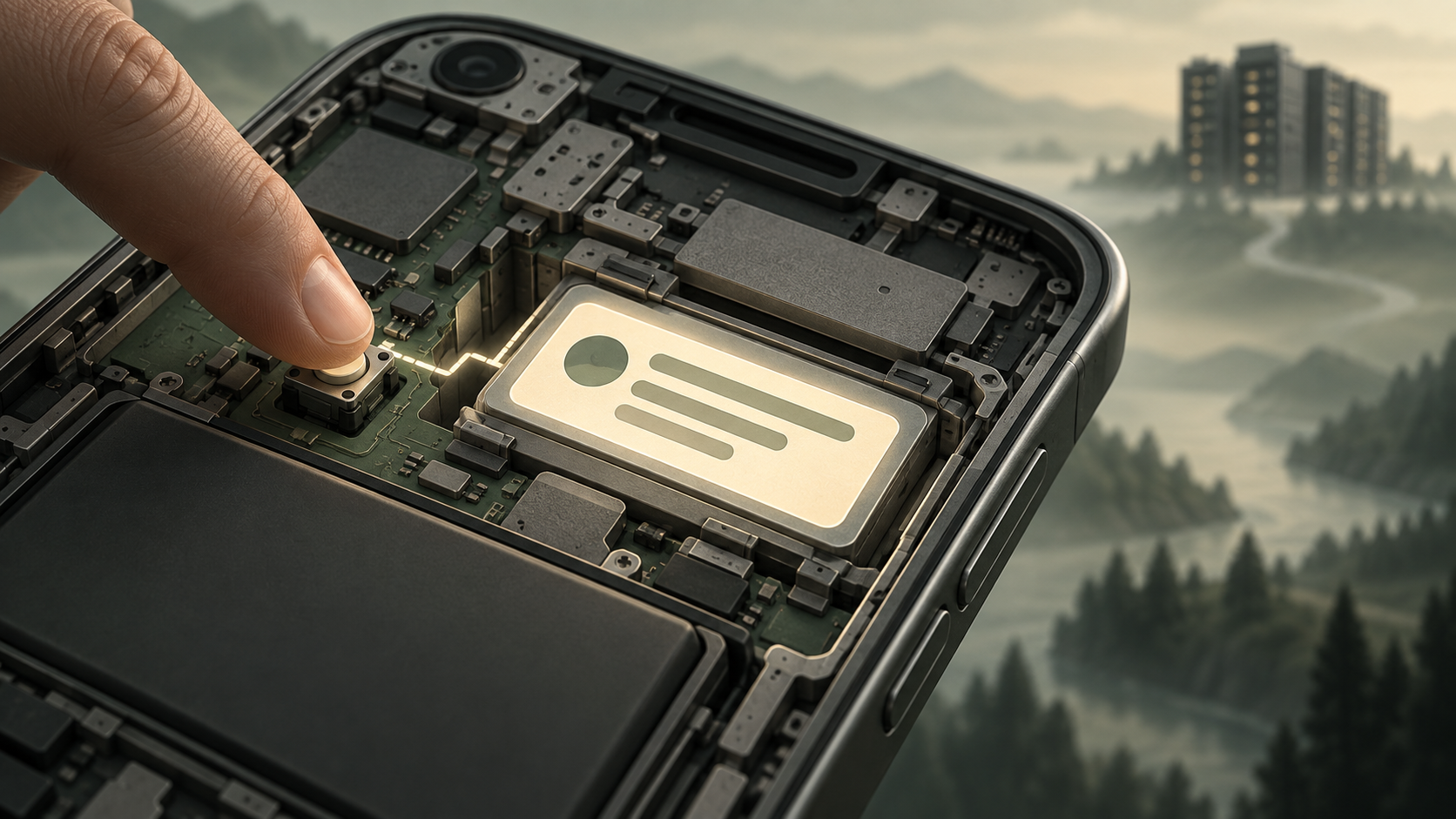
Braze in-app messages are triggered by five SDK events: session start, push click, any purchase, specific purchase, and custom event. Braze sends eligible messages to the device at session start, then the device displays one when the trigger fires. Custom events logged through your API will not trigger them. Only events logged by the SDK will.
Key Takeaways
- Five SDK events can trigger an in-app message: session start, push click, any purchase, specific purchase and custom event.
- Events sent to Braze through the API will not trigger one. Only events logged by the SDK will.
- Braze sends eligible messages to the device at session start, so a cached message can display with no connection to Braze.
- The re-evaluate setting and certain Liquid tags make a message templated, which means it needs a network round trip and will not display offline.
- Priority is a bucket, not a number. Within the same bucket, the campaign created last takes the trigger.
- A workspace can run up to 200 active action-based in-app message campaigns. Canvases are excluded from that limit.
What actually triggers an in-app message in Braze?
Five event types, and no others. Braze documents them as Session Start, Push Click, Any Purchase, Specific Purchase, and Custom Event. The last two carry property filters, so you can narrow a trigger to a specific SKU or a specific event property value.
| Trigger type | What fires it | Property filters |
|---|---|---|
| Session Start | The SDK logs a new session | No |
| Push Click | The user opens a specific push message | No |
| Any Purchase | Any purchase event logged by the SDK | No |
| Specific Purchase | A named product ID | Yes |
| Custom Event | A named custom event logged by the SDK | Yes |
One line in Braze's developer documentation decides most of what follows. In-app messages cannot be triggered through the API or by API events. Only custom events logged by the SDK will do it.
That rules out a whole category of design that looks obvious on a whiteboard. A backend order-confirmation event flowing into Braze through /users/track will populate a segment. It will not display an in-app message.
Which trigger should you actually pick?
Five options, but the choice usually collapses to two things. Whether the moment you care about happens inside the app, and whether you already log it.
| If you want to reach someone | Use | Watch for |
|---|---|---|
| Every time they come back | Session Start | The most crowded trigger. Set exact priority before adding to it |
| Straight after they tap a push | Push Click | Ties the message to one specific push, so it breaks when that push is retired |
| At any checkout | Any Purchase | No filters, so it fires on every SKU including the ones you did not mean |
| At one product's checkout | Specific Purchase | Needs the product ID logged correctly by the SDK, not by your backend |
| At any other moment you define | Custom Event | Only fires if the SDK logs it. Backend events will not work |
Custom Event looks like the flexible answer and usually is. The failure is upstream: teams pick it, then discover the event they wanted is logged server-side and cannot reach the device. Check where an event is logged before you design a campaign on it.
How does Braze deliver a triggered message?
Delivery happens in two phases, and the split matters more than the dashboard suggests.
At session start, Braze sends every in-app message the user is eligible for down to the device and prefetches the assets. The message then sits on the device waiting. When the trigger event fires, the device displays it locally.
Because the message is already there, a cached in-app message can display with no connection to Braze at all. Braze documents this working in airplane mode.
There is a second form. Braze calls the first inapp and the second templated_iam. A templated message arrives at the device as a trigger only, and the device makes a network request to fetch the actual content when the trigger fires.
Your message becomes templated if you tick Re-evaluate campaign eligibility before displaying, or if it contains any of these Liquid tags:
connected_contentcanvas_entry_propertiescatalog_itemscatalog_selection_itemsevent_properties- SMS variables
Braze notes that a templated message will not be delivered when the device has no internet access, and might not be delivered if the Liquid takes too long to resolve.
So the templating boundary is also an offline boundary. Adding a single Connected Content call moves a message from the first category to the second. Nothing in the composer tells you it happened.
How do you set up a trigger, step by step?
- Go to Messaging > Campaigns and select Create Campaign, then In-App Message. In-app messages are not available in multichannel campaigns.
- Choose your delivery platforms. Mobile Apps covers the iOS, Android and Vega SDKs. Web Browsers covers the Web SDK.
- Compose and style the message.
- On the delivery step, select the trigger action from the five types above.
- Set a priority. High, Medium and Low are the options, and Medium is the default.
- Target your segment.
- Choose conversion events. Braze allows a conversion window of up to 30 days.
- Set a start time. An end date is optional.
Two constraints worth knowing before you design around a Canvas instead. Canvas steps containing in-app messages cannot be action-based. And the 200-campaign limit below applies to campaigns, not Canvases.
Why does the same trigger sometimes show the wrong message?
Because priority in Braze is a bucket, not a number.
When one trigger event has more than one eligible message, only the highest-priority message is delivered. High, Medium and Low are buckets, and several campaigns can sit in the same bucket. Braze resolves ties by recency: when two campaigns share a trigger and the default Medium priority, the campaign created last receives the trigger.
That is the behaviour that catches teams out. A colleague ships a new campaign on Start Session. It lands in Medium by default and takes the trigger from a campaign that has run for a year. Nothing errors. Nothing warns.
Start Session is the trigger most likely to be crowded, because onboarding and activation campaigns tend to collect there.
The fix is Set Exact Priority, which lets you drag campaigns into an explicit order within a bucket. Worth doing on any trigger event that more than one campaign uses, and Start Session is almost always one of those.
What breaks this in production?
Four things, in rough order of how often they surface.
1. The same trigger cannot both send data and use it
Braze is explicit: if one trigger sends data to Braze and fires the in-app message, the message cannot use that newly updated profile data, even with a scheduled delay. Use two separate triggers, one to send the data and one to fire the message.
2. The 30-second cooldown
By default the SDK rate-limits triggered in-app messages to once every 30 seconds. Chaining two messages in a single session, for example a button in the first message triggering the second, requires overriding it:
// Web SDK: minimum interval between triggered in-app messages, in seconds
braze.initialize('YOUR-API-KEY', { minimumIntervalBetweenTriggerActionsInSeconds: 5 })
<!-- Android: braze.xml -->
<integer name="com_braze_trigger_action_minimum_time_interval_seconds">5</integer>Braze's guidance is not to go below 10 seconds in production. Setting it to 0 does not force two messages to appear together, because a triggered message will not display while another is still visible.
3. Re-evaluation costs latency and offline capability
Ticking re-evaluate adds a request before display, which Braze puts at under 100 milliseconds. It also makes the message templated, which means it will not fire offline.
4. Stopped campaigns keep firing
Users who started a session before you stopped the campaign can still see the message when they perform the trigger, and they count as a unique impression.
What each symptom usually means
Most in-app message problems present the same way, as a message that did not appear. The cause is almost always one of five things.
| Symptom | Likely cause |
|---|---|
| Nothing appears, ever | The event is logged server-side, not by the SDK |
| Appears on wifi, not on mobile data or offline | The message is templated, so it needs a network round trip |
| The wrong message appears | Two campaigns share a trigger and a priority bucket |
| Only the first of two messages appears | The 30-second interval has not been overridden |
| The message shows stale profile data | One trigger is doing both jobs, sending the data and firing the message |
Working down that list in order will resolve most reports faster than opening the campaign and reading its settings, because four of the five causes are invisible from the campaign view.
How many in-app message campaigns can one workspace run?
Up to 200 active, action-based in-app message campaigns per workspace. The limit exists to protect delivery speed and prevent timeouts, and Canvases are excluded from it.
The count includes active campaigns that have not reached their end time and those with no end time at all. Campaigns past their end time do not count. Braze notes the average customer has 26 active at once.
The number that matters is not 200. It is how many of your active campaigns still do anything. Every idle action-based campaign is still evaluated at every session start, and Braze is direct about the consequence: processing campaigns that no longer send messages slows delivery for everyone.
How should you sequence this on a real workspace?
Documentation tells you what each setting does. It does not tell you what order to do them in, and order is where most of the avoidable pain sits.
Start with a trigger inventory before you build anything new. List every active in-app campaign against the trigger event it uses. What you are looking for is not campaign count, it is trigger collisions: how many campaigns share Start Session, and whether any of them are still in the default priority bucket. That list is usually shorter than people expect and more overlapping than they expect.
Then set exact priority on every shared trigger before you add to it. Doing this after you ship a new campaign means diagnosing a live delivery problem instead of preventing one.
Test the offline path deliberately, not incidentally. Airplane mode is the fastest way to find out whether a message you assumed was cached is actually templated. If the message does not appear, something in it crossed the templating boundary. Usually that is a personalisation tag somebody added for a good reason.
Leave 24 to 48 hours between launch and expected delivery. Braze recommends this buffer so users have time to meet eligibility and start a session. Campaigns launched the morning of a promotion tend to underdeliver on day one and get blamed for it.
Frequently Asked Questions
1. Can I trigger a Braze in-app message from my backend?
Not directly. In-app messages cannot be triggered through the API or by API events, only by custom events logged through the SDK. Braze documents a workaround using a silent push that causes a push callback to log an SDK-side custom event, which then triggers the message.
2. Why does my in-app message appear a few seconds after session start?
Braze lists three common causes: a delay configured on the campaign trigger, SDK customisations, and the trigger event recording later than expected, which is more likely with a templated message.
3. Does adding Connected Content change how my message is delivered?
Yes. A message containing connected_content is delivered as a templated in-app message, so the device fetches the content at trigger time. It will not display without an internet connection.
4. What happens when two campaigns use the same trigger?
Only the highest-priority message is delivered. Within the same priority bucket, the most recently created campaign wins. Use Set Exact Priority to make the order explicit.
5. Is the 200-campaign limit per workspace or per app?
Per workspace, and it applies to active action-based in-app message campaigns. Canvases are not counted.
Sources
- Braze, Trigger in-app messages. Retrieved 03 Sep 2026.
- Braze, Create an in-app message with the traditional editor. Retrieved 03 Sep 2026.
- Braze, Action-based delivery. Retrieved 03 Sep 2026.
In-app messaging carries most weight inside a wider lifecycle programme, alongside retention and win-back work rather than on its own.
CustomerIK is a Braze implementation partner working across onboarding, technical integration, marketing operations and customer data management.
If your in-app messages are firing for the wrong people, or not firing at all, let's talk.
.svg)







