
.svg)

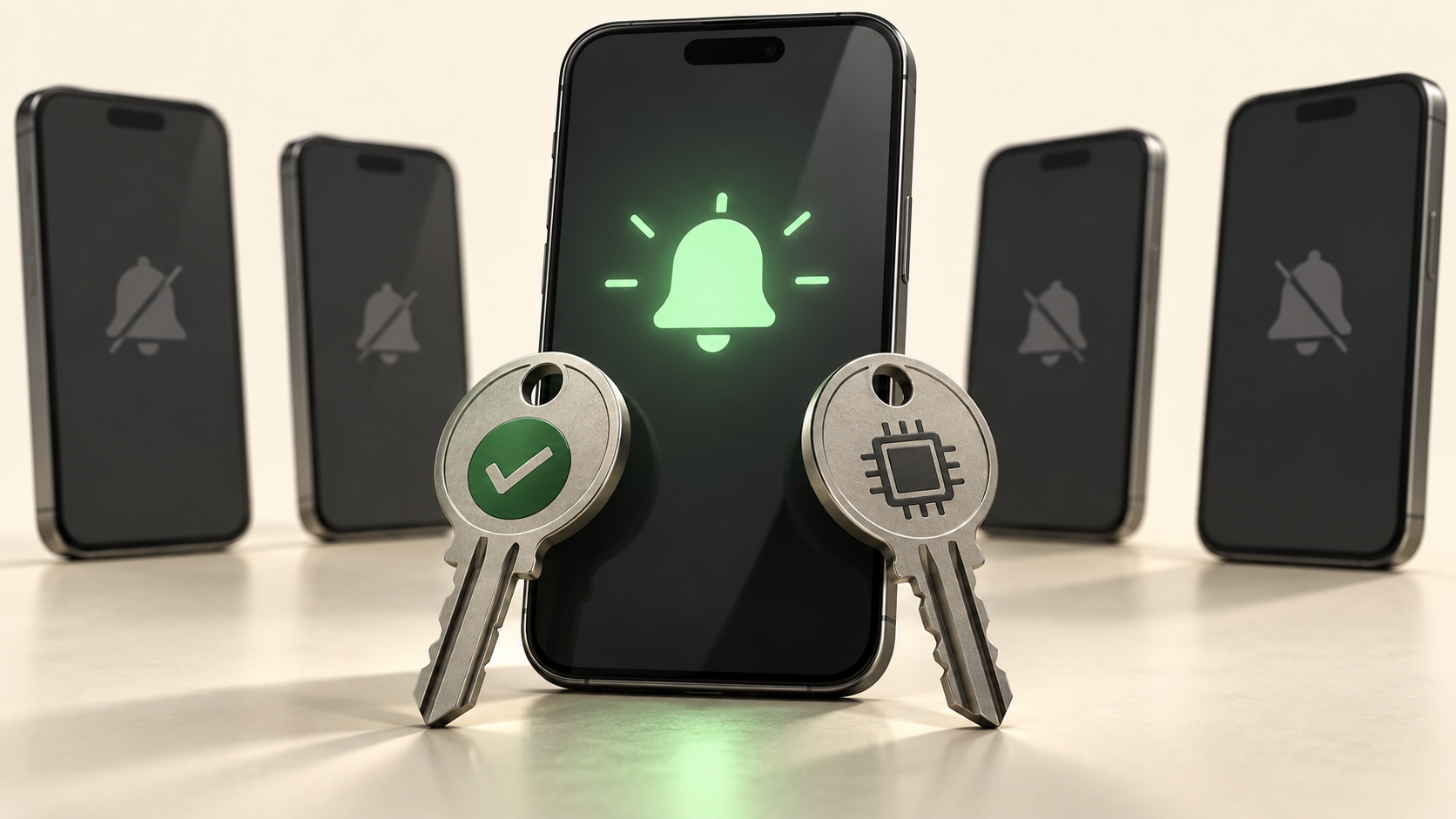
Push subscription state and push registration are two different things in Braze. A segment can look healthy while part of it cannot be reached at all. State records a preference across the whole profile. Registration records whether a device has a valid foreground token. Segment on one and you will miss the other.
Key Takeaways
- Subscription state is a preference held at the profile. Push registration is a fact about a device. The two move independently.
- Every new profile starts as Subscribed, which records that nobody has said otherwise, not that anyone agreed.
- Unsubscribed is the only value carrying an explicit user decision, and writing it is your application's job.
- A user can be Subscribed with no valid token, which is why a segment can be larger than its Reachable users count.
- Foreground Push Enabled is the filter that combines both halves, the token and the preference.
- An opt-in prompt is a one-shot event, so a push primer earns its place before the prompt rather than after it.
What does a push subscription state actually tell you?
State is a preference held at the profile, not at the device. Braze holds three values: Subscribed, Opted-In and Unsubscribed. Subscribed is what every new profile starts as.
That default is the part worth sitting with. Subscribed does not mean anyone agreed to anything. It means nobody has said otherwise yet, and Braze moves the profile to Opted-In only when the user accepts an OS-level prompt.
Unsubscribed is the only value that carries an explicit decision from the user. Braze does not set it for you when someone switches notifications off in their device settings. That update is your application's job, and a preference centre that writes nowhere leaves the profile saying the opposite of what the user chose.
Why is your segment bigger than your reachable count?
Because they measure different things, and both numbers are correct.
Segment membership follows your filters. Reachable users follows push registration, which means a valid foreground token sitting on the profile. A user can be Subscribed with no token at all, and that user stays in the segment while counting for nothing.
The iOS install path shows how ordinary this is.
User actionForeground Push EnabledRegistrationStateInstalls, logs a sessionfalseBackgroundSubscribedTaps Allow on the prompttrueForegroundOpted-InTaps Don't AllowfalseBackgroundNot updatedTurns push off in settingsfalseBackgroundNot updatedDeletes the appNot updatedRetired with the tokenNot updated
Three of those five rows leave the state untouched. A segment built on state alone treats all five identically, which is where the gap between audience size and delivery comes from.
Which filter should each segment use?
Match the filter to the question you are actually asking.
QuestionFilter to useCan we deliver a visible push to this person anywhereForeground Push EnabledCan we deliver it in this specific appForeground Push Enabled for AppCan we send a silent push for background workBackground or Foreground Push EnabledHas this person told us to stopPush subscription state
Foreground Push Enabled is the workhorse because it combines both halves: the token and the preference. It counts foreground push only and leaves out anyone unsubscribed.
Foreground Push Enabled for App is narrower and easier to misread. It looks at token presence for one app, so a multi-app workspace can show a user enabled in one place and absent in another. That is correct behaviour, and it reads as a bug if you expect a profile-level answer.
What order should you build push segments in?
- Exclude Unsubscribed first, because it is the only user-stated preference in the model.
- Add the registration filter that matches the app or apps you are sending from.
- Layer behaviour and lifecycle filters on top of those two.
- Compare segment membership against Reachable users before launch, and expect a gap.
- Write down what the gap should be, so a change in it becomes a signal.
Step four is the cheapest diagnostic here, and the easiest one to leave out. The gap is not an error. It becomes one when nobody knows what size it usually is.
Where does state drift from reality?
1. A shared device
Tokens belong to a device and an app, so they cannot tell two people apart. When one user logs out and another logs in, the token moves to the new profile. The old profile keeps its state and loses its route with no visible change.
2. An uninstall
Deleting the app leaves the state untouched. Braze treats an Android user as push disabled after an uninstall, a bounce, a failed registration with Firebase Cloud Messaging, or a settings change followed by a session.
3. An expiring web token
A 410 error can mean the browser invalidated the token, which happens periodically. State says nothing about it.
4. A user on Android 12 or earlier
Permission was not required before Android 13, so those profiles sit at Subscribed from their first session without anyone choosing it.
The pattern is consistent: state changes when a person acts inside your product, and registration changes when a device does something. Your retention campaigns should read both, since a lapsing user and an unreachable one need different treatment.
How does this change what you send?
An opt-in prompt is a one-shot event. Once someone declines, you cannot ask again, which is why a push primer in-app message earns its place before the prompt rather than after it.
That makes early lifecycle work the highest-leverage moment for push. Your onboarding journey and your activation campaigns decide how much of your base is reachable for everything that follows.
For the users you can reach, the segment defines the audience and the message still has to earn attention. That is where personalisation and dynamic content do their work.
Frequently Asked Questions
1. A user turned push off in their phone settings. Why are they still Subscribed?
Because Braze does not change subscription state from an OS-level action. State reflects a preference recorded in Braze. Registration reflects the device, and that is what changes.
2. Should we set users to Unsubscribed when they disable notifications on the device?
That depends on what you want the value to mean. Treating it as a user-stated preference keeps it useful, and the registration filters already handle reachability.
3. Why does my segment show more users than Reachable users?
Segment membership follows your filters, and users without push registration stay in the segment unless a filter removes them. The two counts are answering different questions.
4. Can two people on one device be targeted separately?
No, because tokens are tied to a device and an app rather than a person. The token follows whoever logged in last.
5. Does an uninstall update the subscription state?
It does not. Registration is updated when the token is retired, and the state stays where the user last left it.
Sources
- Braze, Push subscription states. Retrieved 04 Sep 2026.
- Written by CustomerIK, a Braze implementation partner.
CustomerIK is a Braze implementation partner working across onboarding, technical integration, marketing operations and customer data management.
If your push audience looks bigger on the dashboard than it does in delivery, let's talk.
.svg)







